Do I need an account?
No. StudyMate works without an account and without sign-in. Everything you create is stored on your phone.
Does StudyMate work offline?
Yes. Planning, the focus timer, progress, reminders and your companion all work without internet. Buying or restoring Pro needs a connection to Google Play and our server.
What happens to the timer if I close the app?
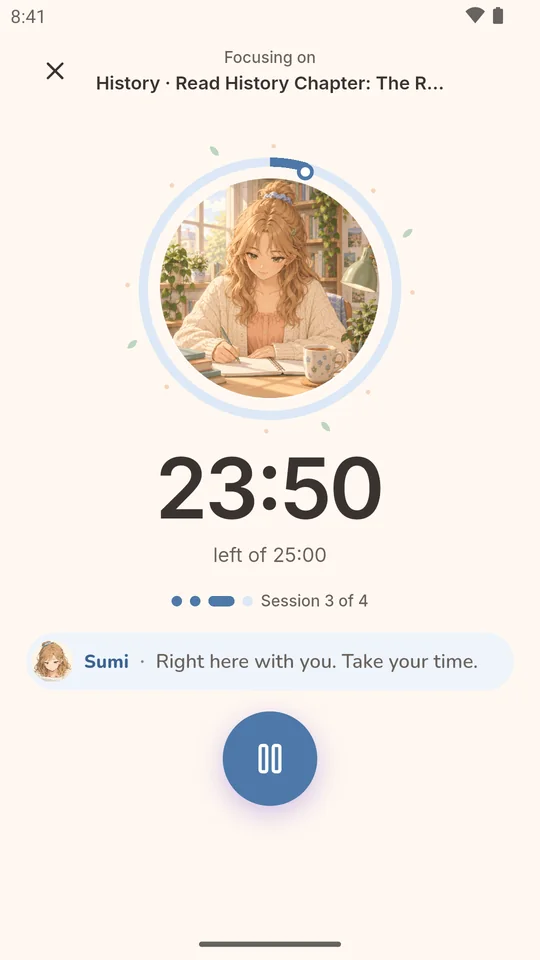
It keeps correct time. StudyMate measures sessions with the phone’s system clock, so closing the app, switching apps or even restarting the phone doesn’t lose your session — after a restart you choose to resume, save or discard it.
Is the companion an AI chatbot?
No. Companions speak written lines (voiced in Japanese, shown in English) and their check-ins follow fixed, explainable rules about your study data. Nothing you write is sent anywhere.
What does Pro cost and how do I cancel?
Pro is US$1.99 a month, US$7.99 a year or US$19.99 once for lifetime access; Google Play shows the price in your currency. You can cancel a subscription anytime in Google Play › Payments & subscriptions, and Pro stays on until the end of the period you paid for.
I got a new phone. How do I get Pro back?
Install StudyMate with the same Google account, open StudyMate Pro and tap Restore purchases. Your study history is stored on the old phone; if Android backup is on, it may be restored when you set up the new phone.
How do I delete my data?
In the app go to Settings › Data & privacy › Delete all study data. If you bought Pro you can also delete StudyMate’s server record there. See Delete your data.